Using links/URLs in your articles is simple and you can add both internal links or external links.
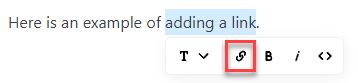
Follow the steps below to insert a link:
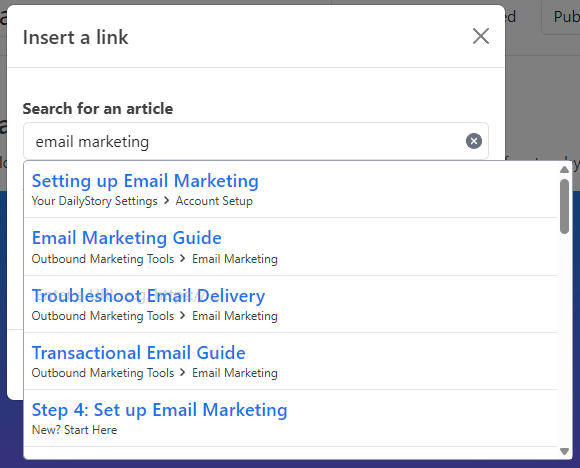
For published articles you can quickly find content you want to link to simply by searching for it.
Just type the text and Graffiti will suggest any existing articles that you may want to link to:
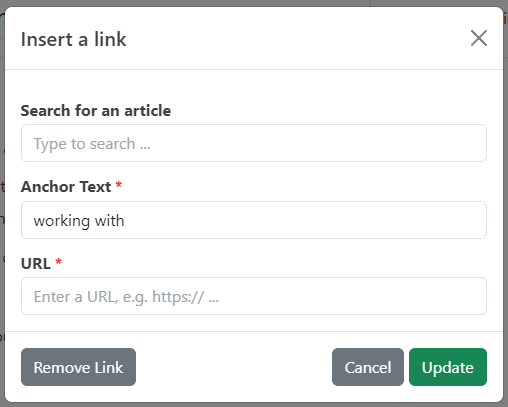
To add an external link, or to add any link manually, just enter it in the URL textbox.
To remove a link simply highlight the linked text, click the link icon and then the Remove Link button in the popup.