Working with Links
Using links/URLs in your articles is simple and you can add both internal links or external links.
Insert a Link
Follow the steps below to insert a link:
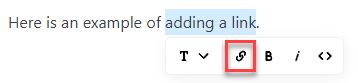
- Highlight the text you want to link to.
- Click the link icon in the tooltip menu:
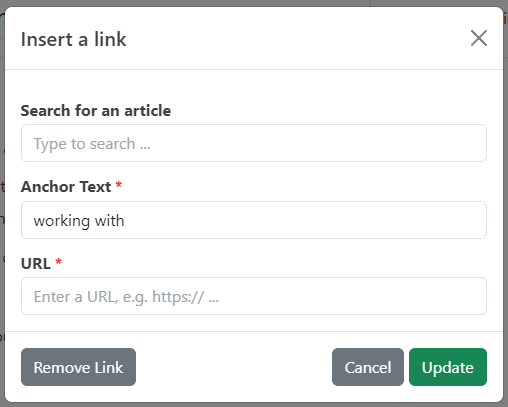
- This opens a popup for working with links.
Add an internal link
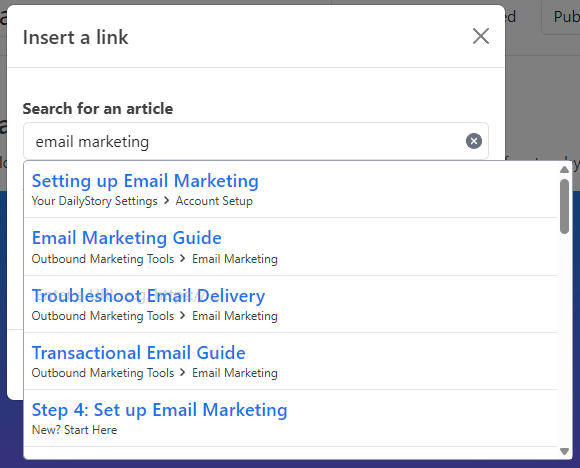
For published articles you can quickly find content you want to link to simply by searching for it.
Just type the text and Graffiti will suggest any existing articles that you may want to link to:
Add an external link
To add an external link, or to add any link manually, just enter it in the URL textbox.
Remove a Link
To remove a link simply highlight the linked text, click the link icon and then the Remove Link button in the popup.