
HelpGuides natively supports Model Context Protocol (MCP), which means you can connect your documentation directly to ChatGPT as a custom connector. Once connected, ChatGPT can search, retrieve, and reference your documentation in real time — without crawling or indexing.
Your MCP URL is unique to your HelpGuides project. It follows this format: https://[your-subdomain].helpguides.io/mcp
You can find your exact MCP URL in your project settings under the Integrations section. See Model Context Protocol for a full reference of available endpoints and capabilities.
If you have a paid ChatGPT account you can connect your HelpGuides MCP to ChatGPT.
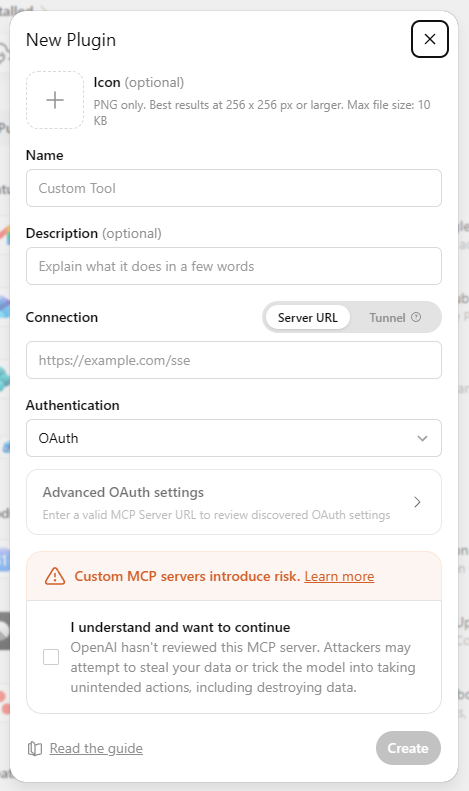
For example, if your project is called "ACME Documentation" name the connector "ACME Documentation". This is especially useful if you have more than one project connected to Claude.